
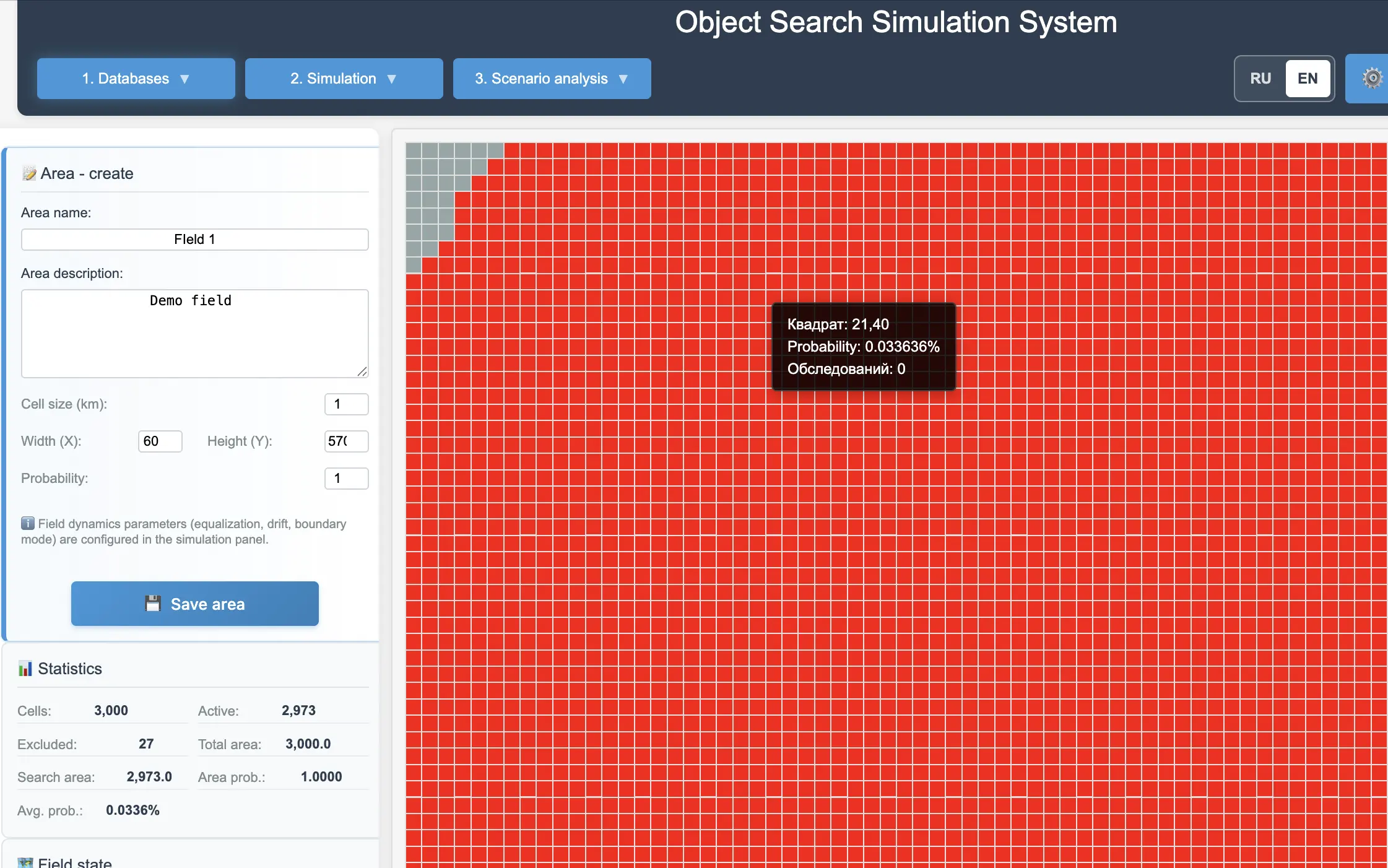
Search area grid setup.
Closed beta
TraceSAR
Search and Rescue simulation and analysis platform
TraceSAR helps model search operations, compare scenarios, analyze detection probability, and support better decisions in search planning.
Sign-in is available to registered TraceSAR users.
About
What TraceSAR is
TraceSAR is a tool for quantitative analysis of Search and Rescue operations. A user defines the search area, search assets, movement scenarios, and detection parameters. The system models the probability field, stores simulation history, and helps compare alternative search strategies.
Capabilities
Core capabilities
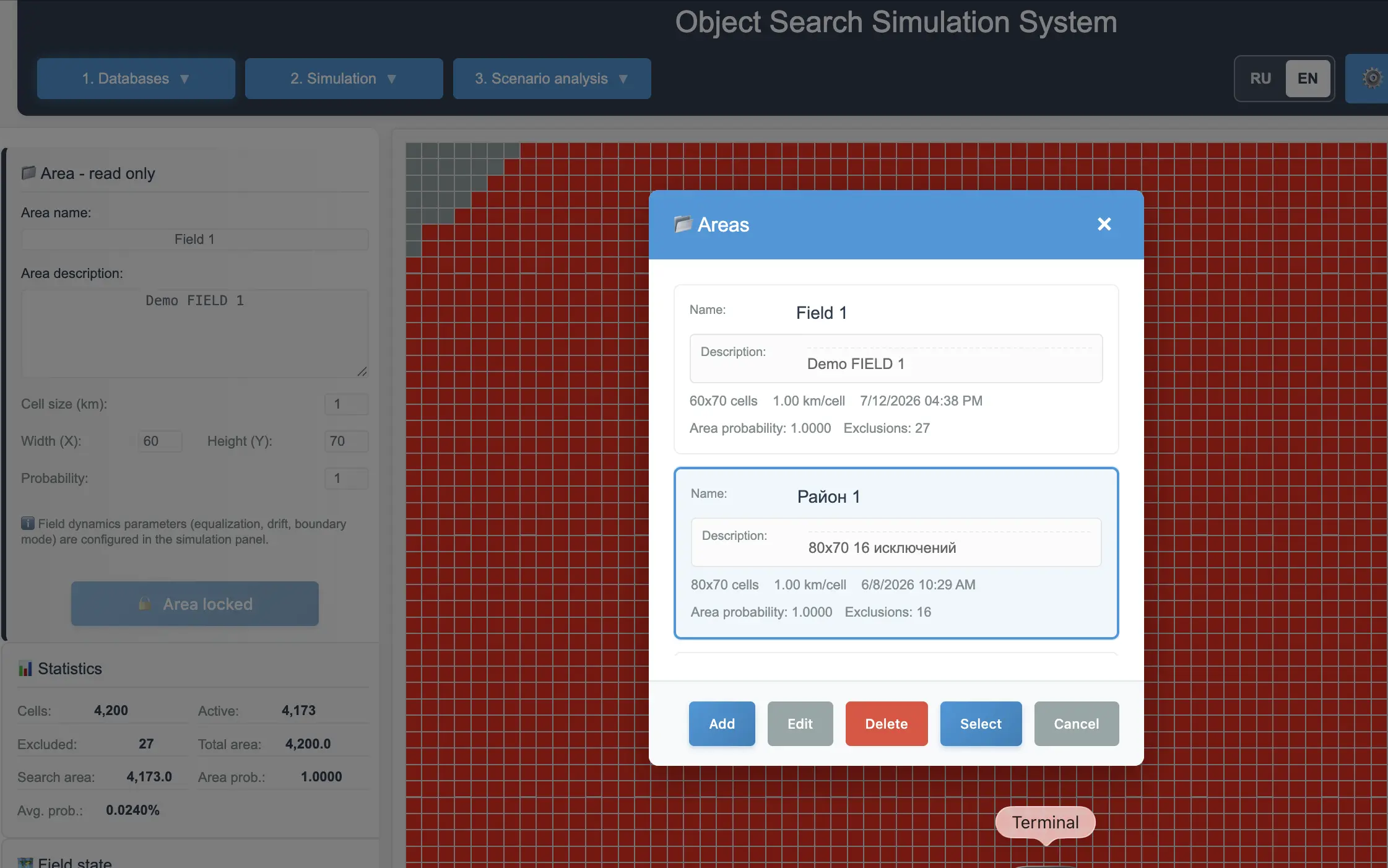
Exclude squares that are not used in calculations.
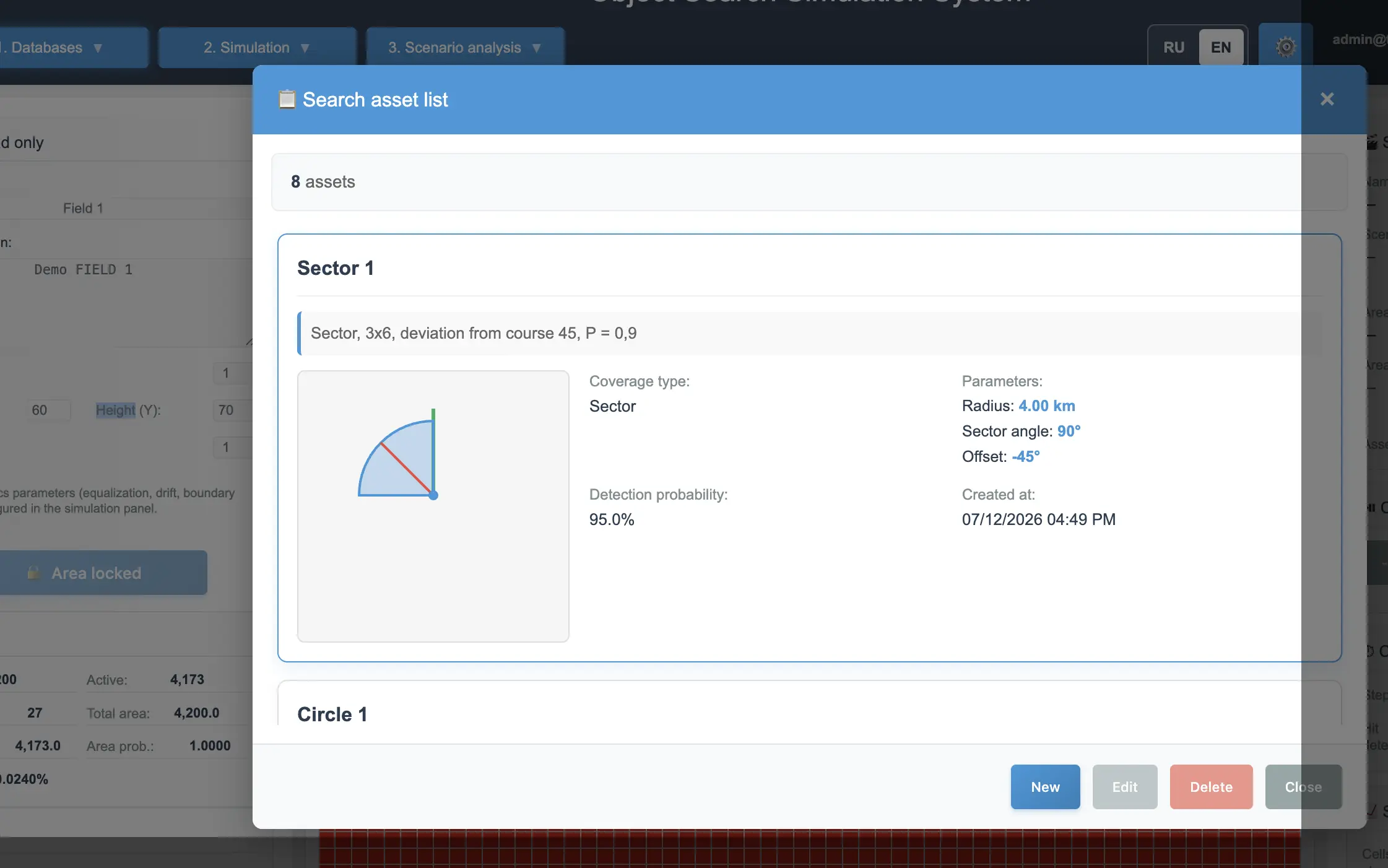
Search asset definition.
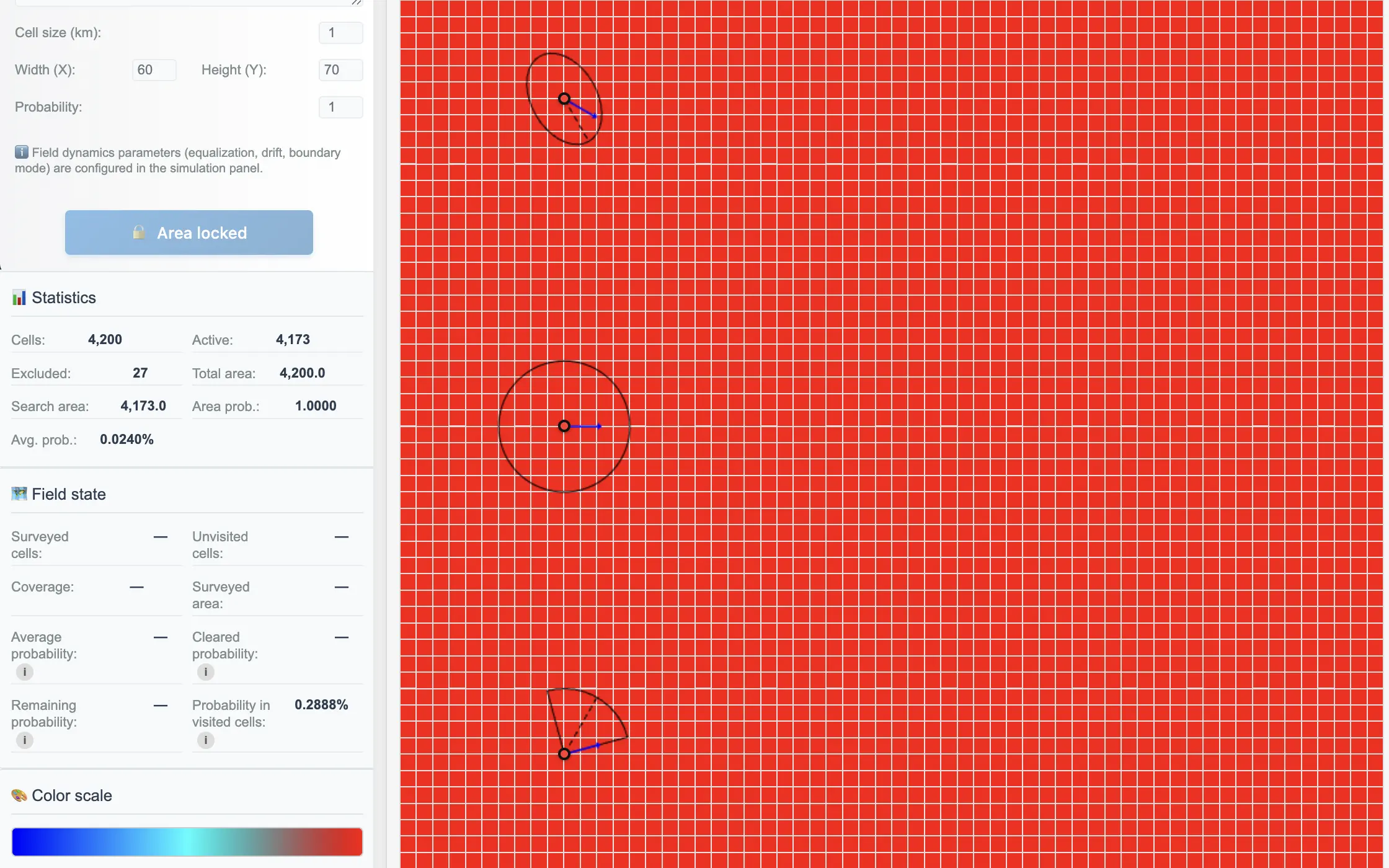
Coverage zones: circle, ellipse, sector.
Search scenario creation.
Search asset movement simulation.
Probability field update.
Run history and checkpoints.
Detection Analysis.
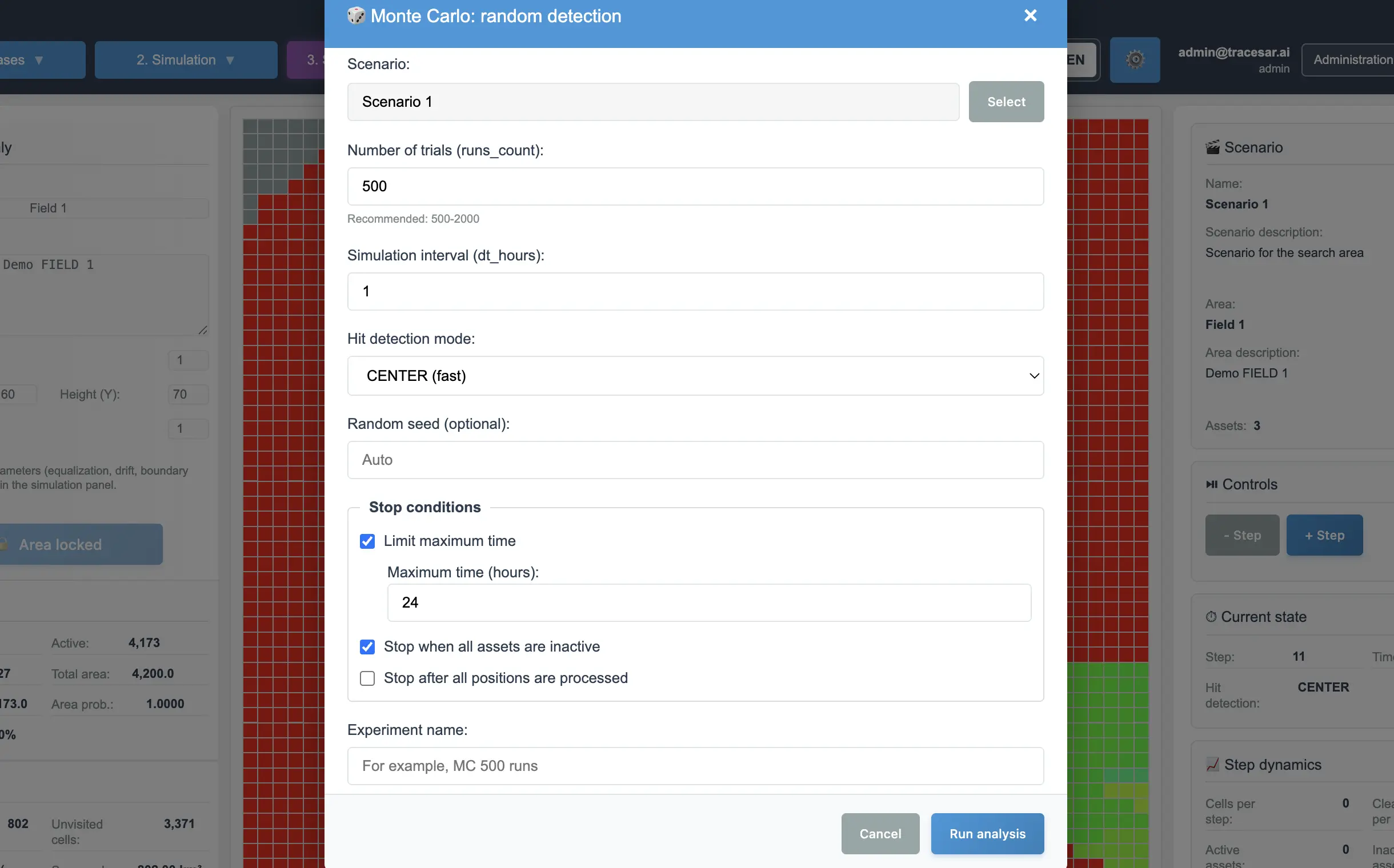
Monte Carlo simulation.
Threshold detectability analysis.
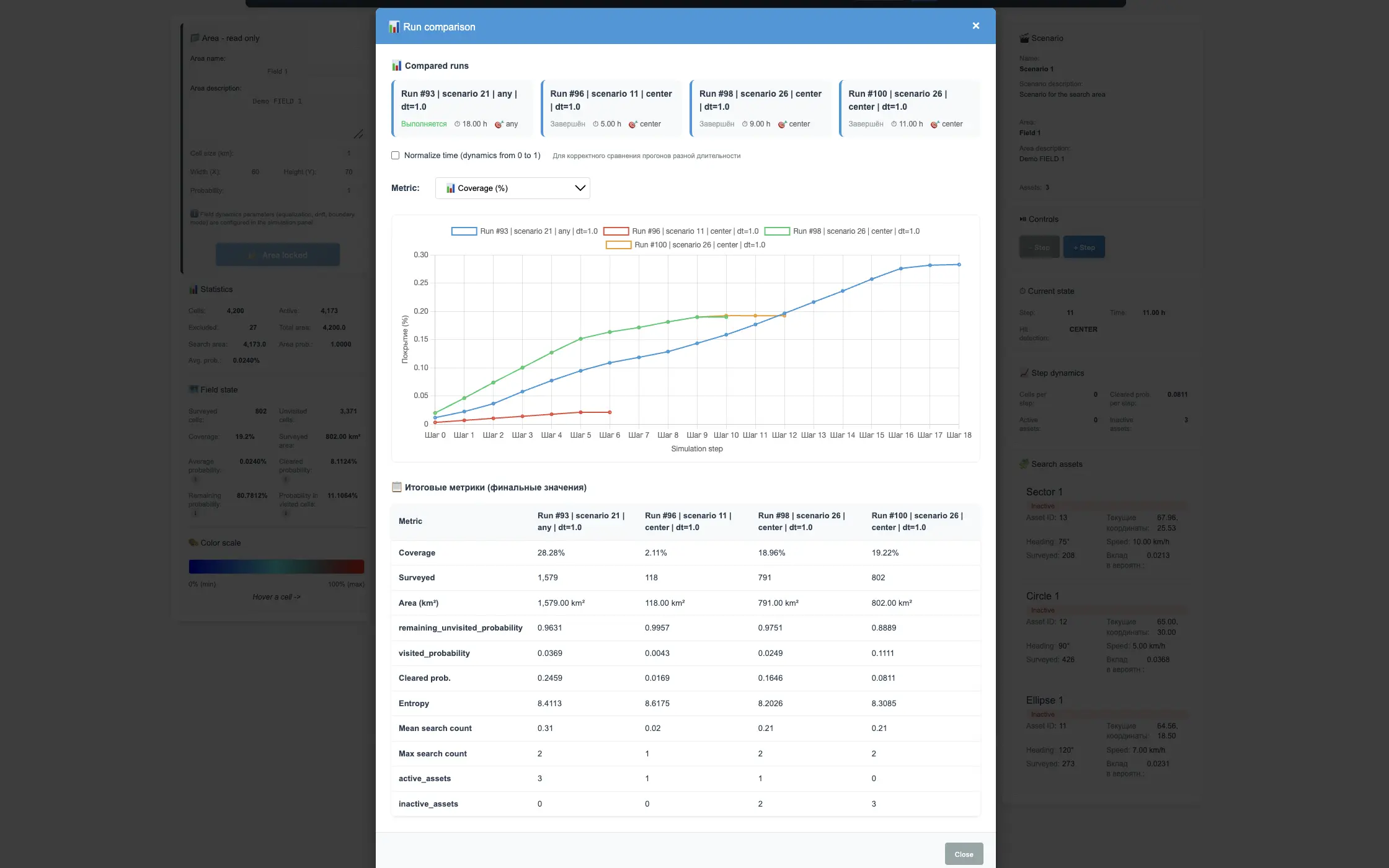
A/B comparison of scenarios.
User-owned data isolation.
Closed beta access management.
Workflow
How TraceSAR works
- Create a search area
- Add search assets
- Build a scenario
- Run the simulation
- Review probability history
- Run Detection Analysis
- Compare scenarios
- Choose a better-supported course of action
Guide
Core concepts
Search area
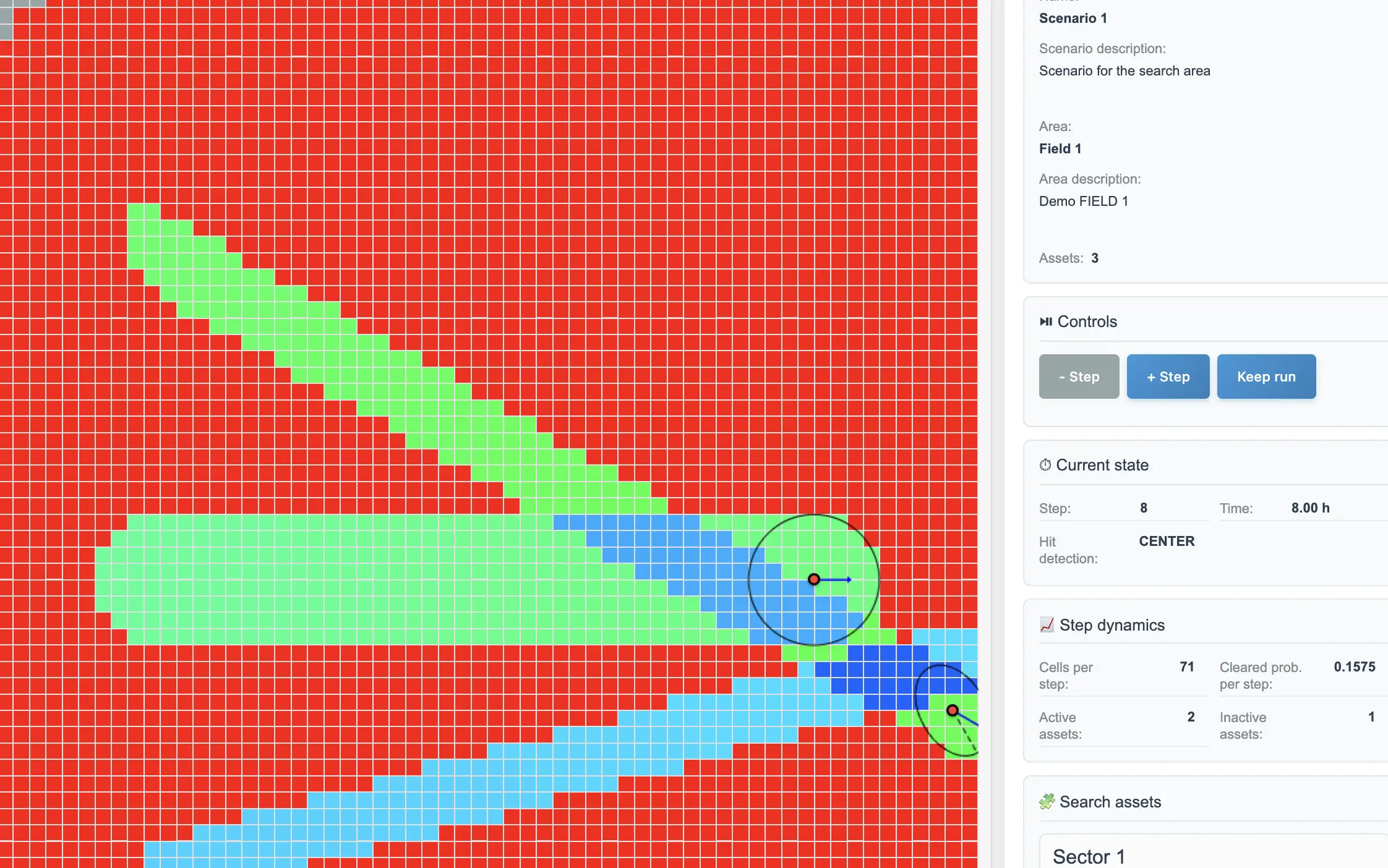
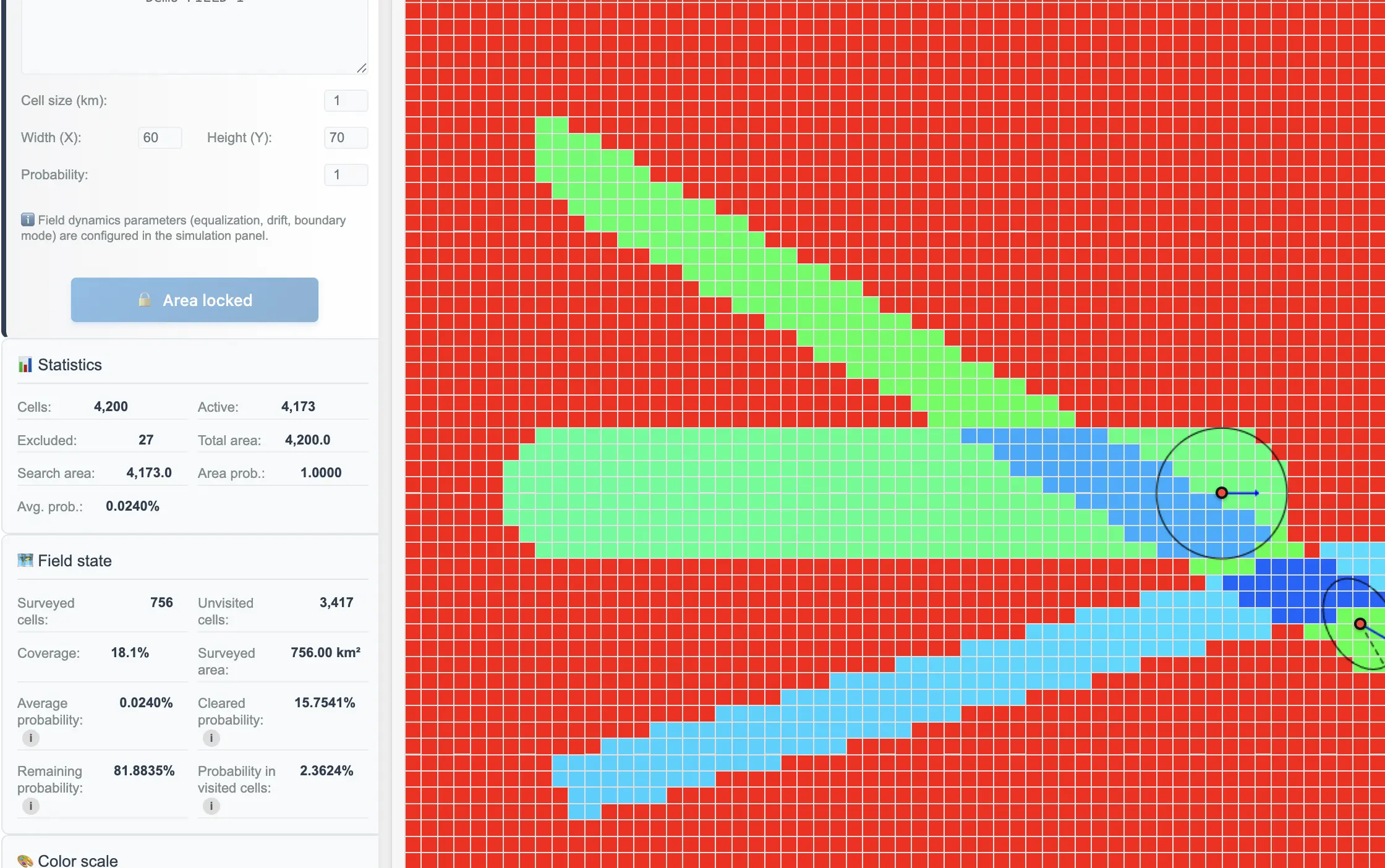
The search area is represented as a grid of squares. Each active square stores the probability of the search object being located there.
Search asset
A search asset is a resource that covers the search area: a team, vehicle, drone, vessel, or another search unit. It has a coverage zone, speed, heading, and detection probability.
Scenario
A scenario describes which search assets are used, and where and when they start and finish work.
Simulation run
A simulation run is the execution of a scenario over time. TraceSAR stores the probability field state, search history, and statistics.
Probability field
The probability field shows where the search object may be located with higher or lower probability. As the search area is surveyed, the field is updated.
Detection Analysis
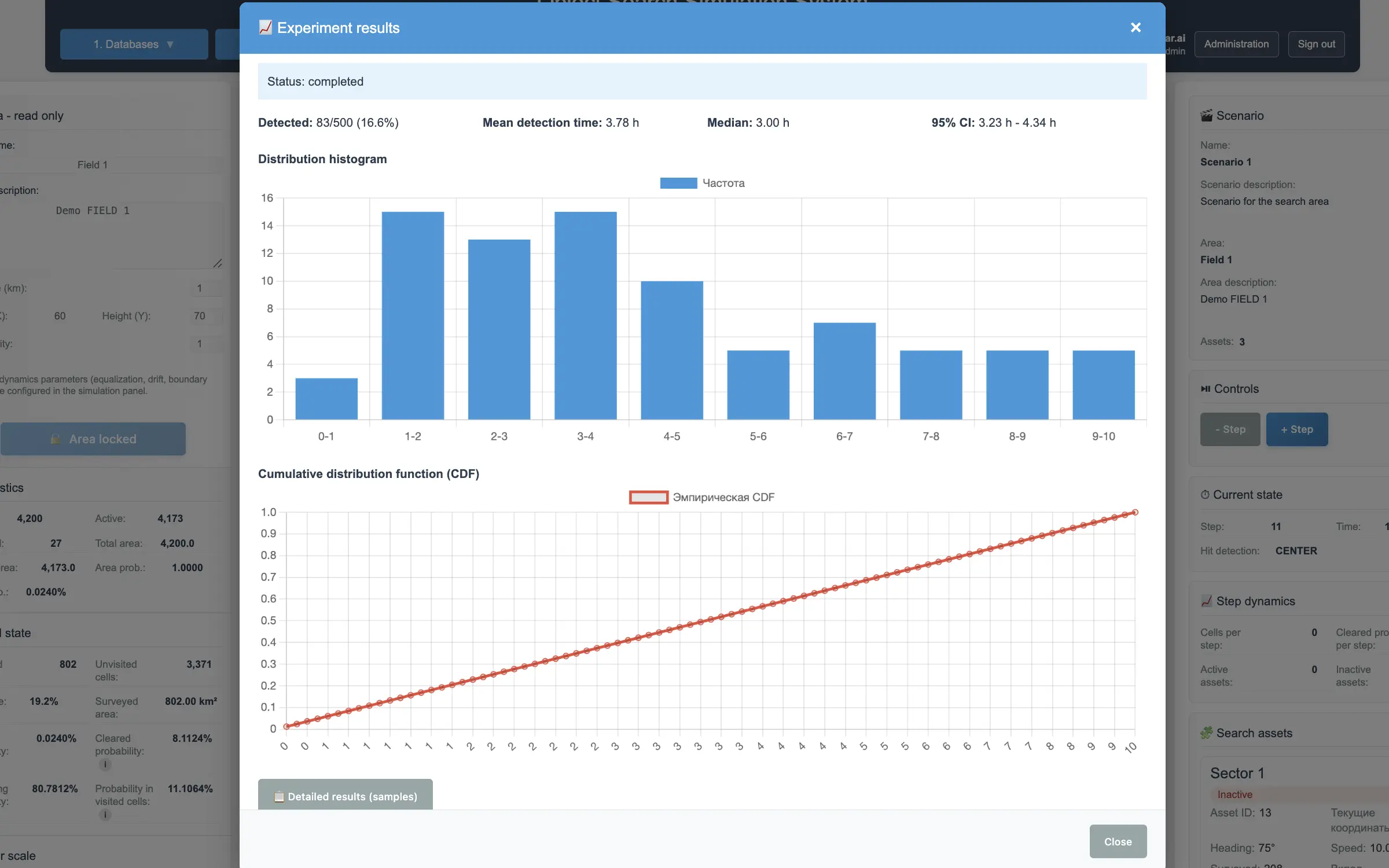
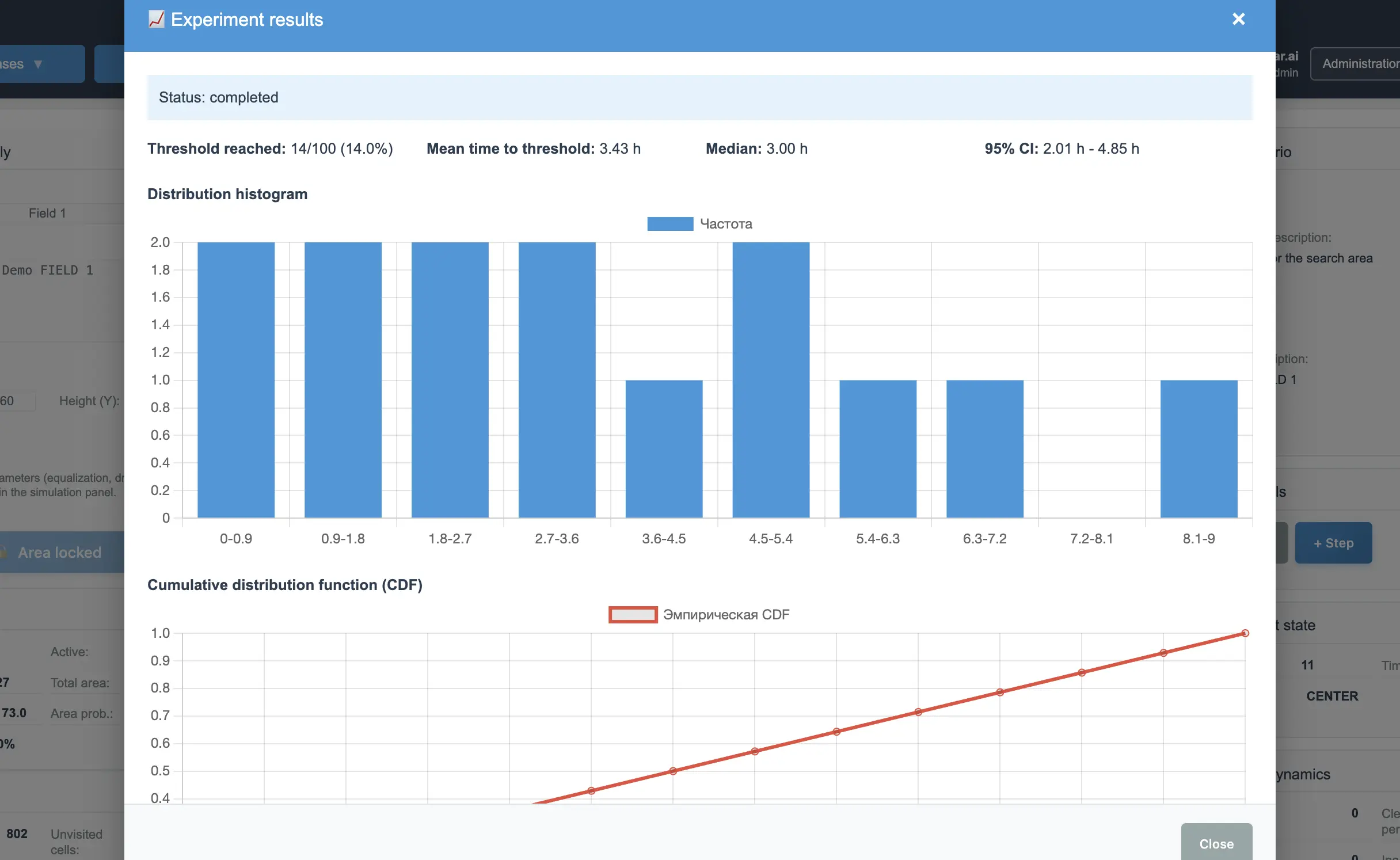
Detection Analysis estimates how effectively a scenario leads to detection of the search object. It supports threshold analysis and Monte Carlo simulation.
Scenario A/B test
A/B testing compares two scenarios on the same set of possible search object locations and helps evaluate whether one scenario has a statistically significant advantage.
Analytics
Quantitative results
TraceSAR does more than draw a probability map: the platform stores run history, time series, and detection analysis results.
- Run history
- Time series
- Detection rate
- Time to detection
- Threshold reached ratio
- A/B comparison
- Monte Carlo
Audience
Who TraceSAR is for
- Search and Rescue coordinators
- SAR teams
- Researchers
- Training centers
- Search methodology developers
- Analysts and instructors
Getting started
Minimal guide
- Request access to the closed beta.
- After the application launch, open TraceSAR.
- Create a search area.
- Set grid size and area probability.
- Add search assets.
- Create a scenario.
- Add assets to the scenario.
- Run the simulation.
- Review the probability map and history.
- Run Detection Analysis.
- Compare alternative scenarios.
- If you have questions, send a support request.
Interface
Screenshots
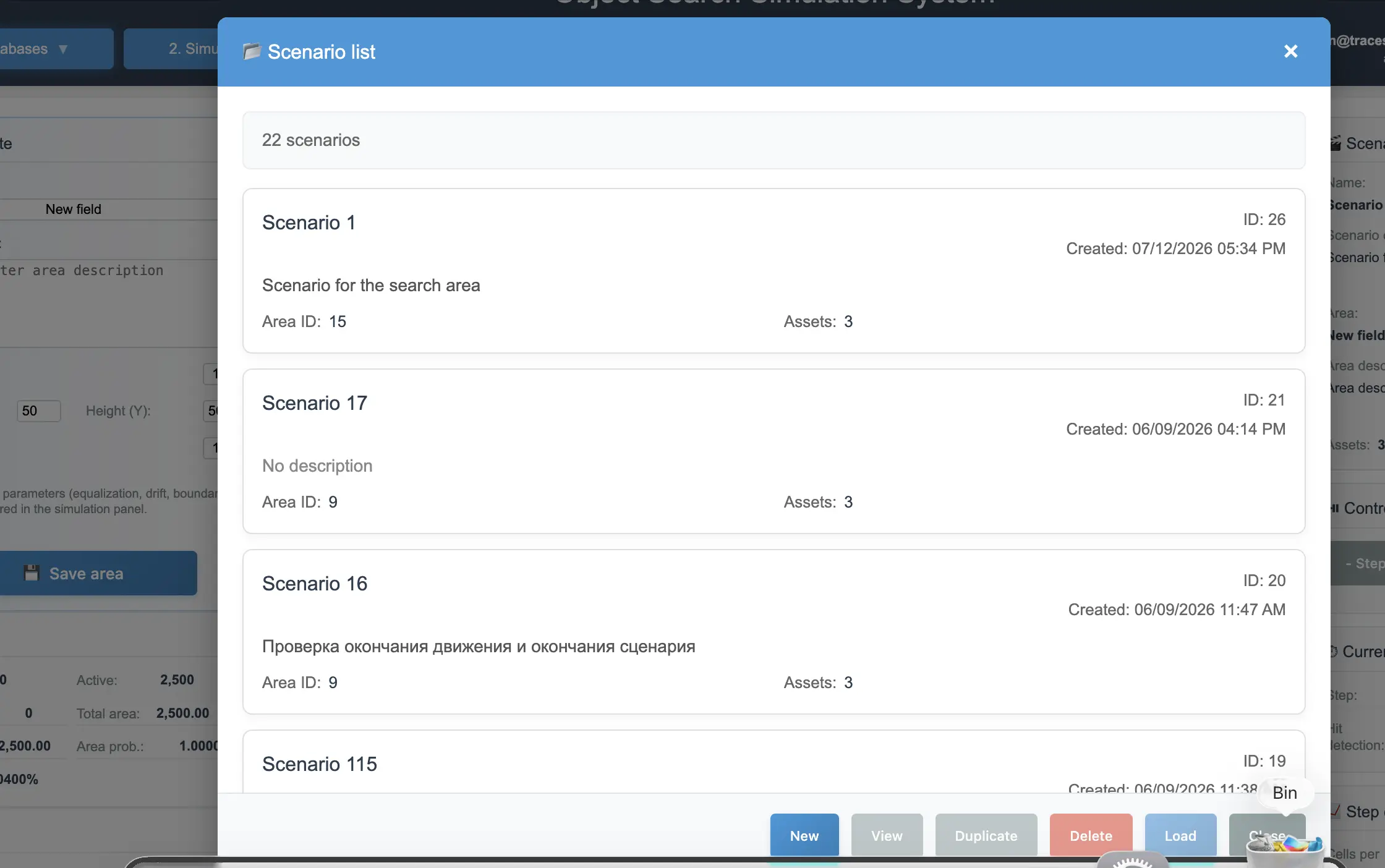
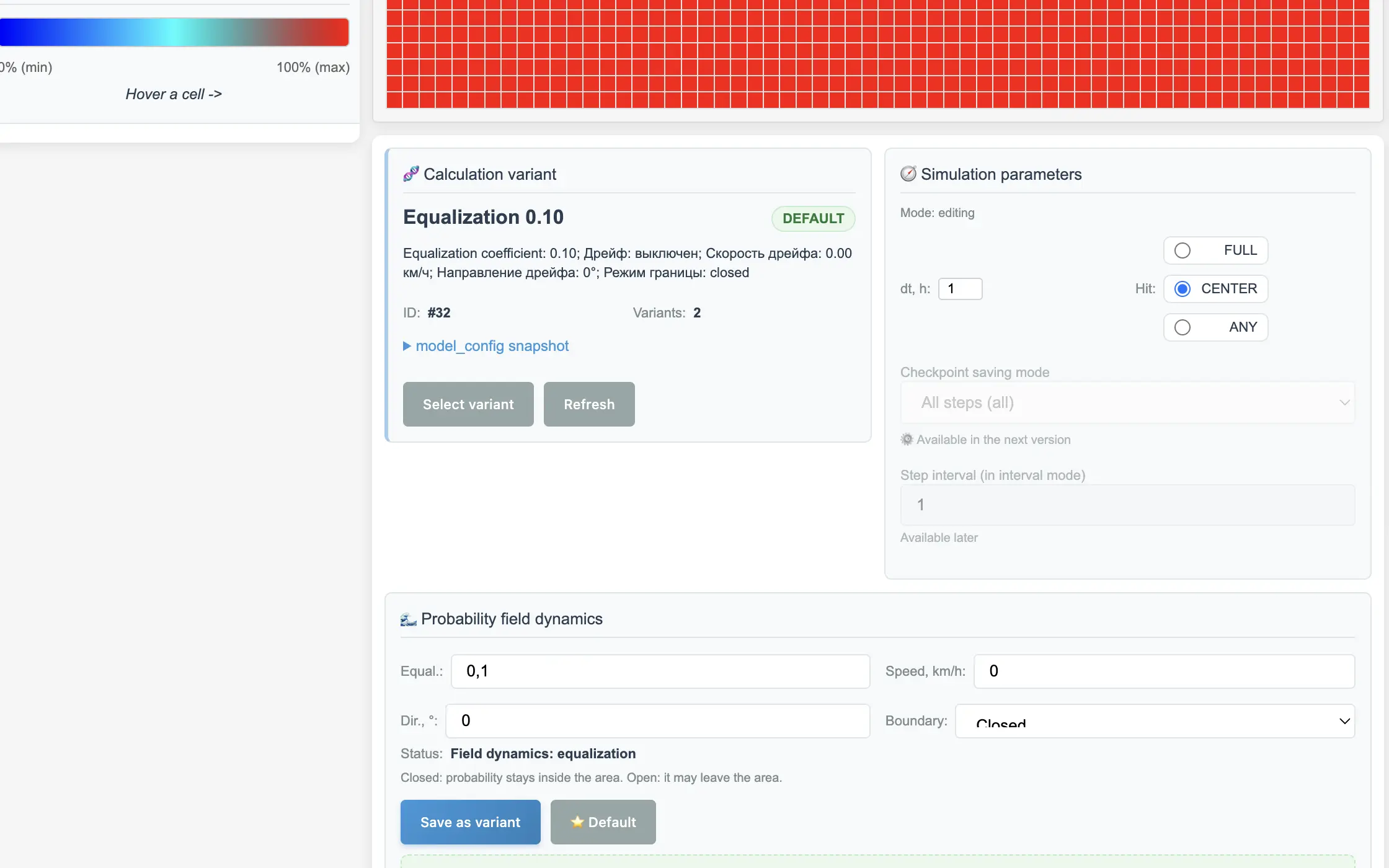
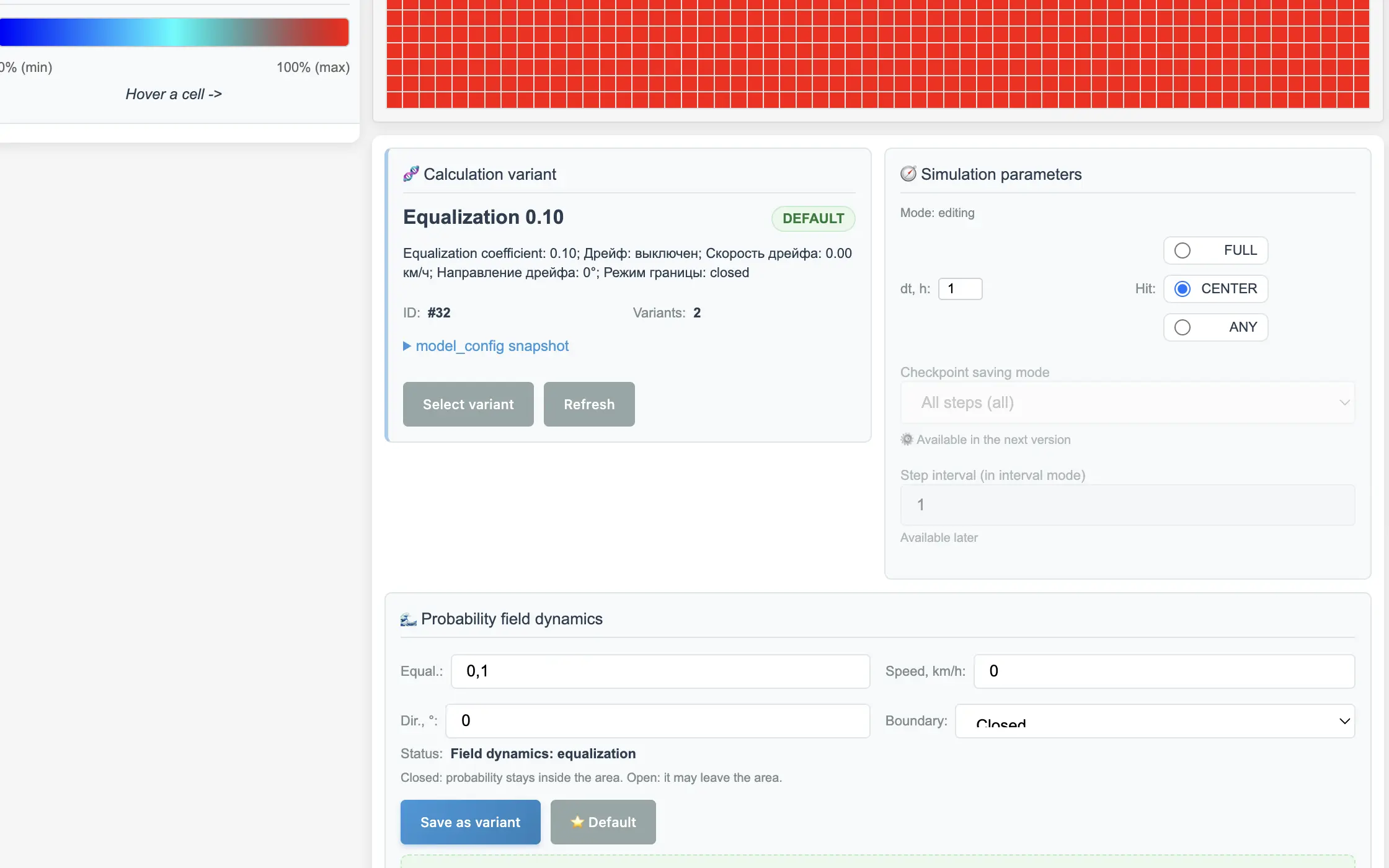
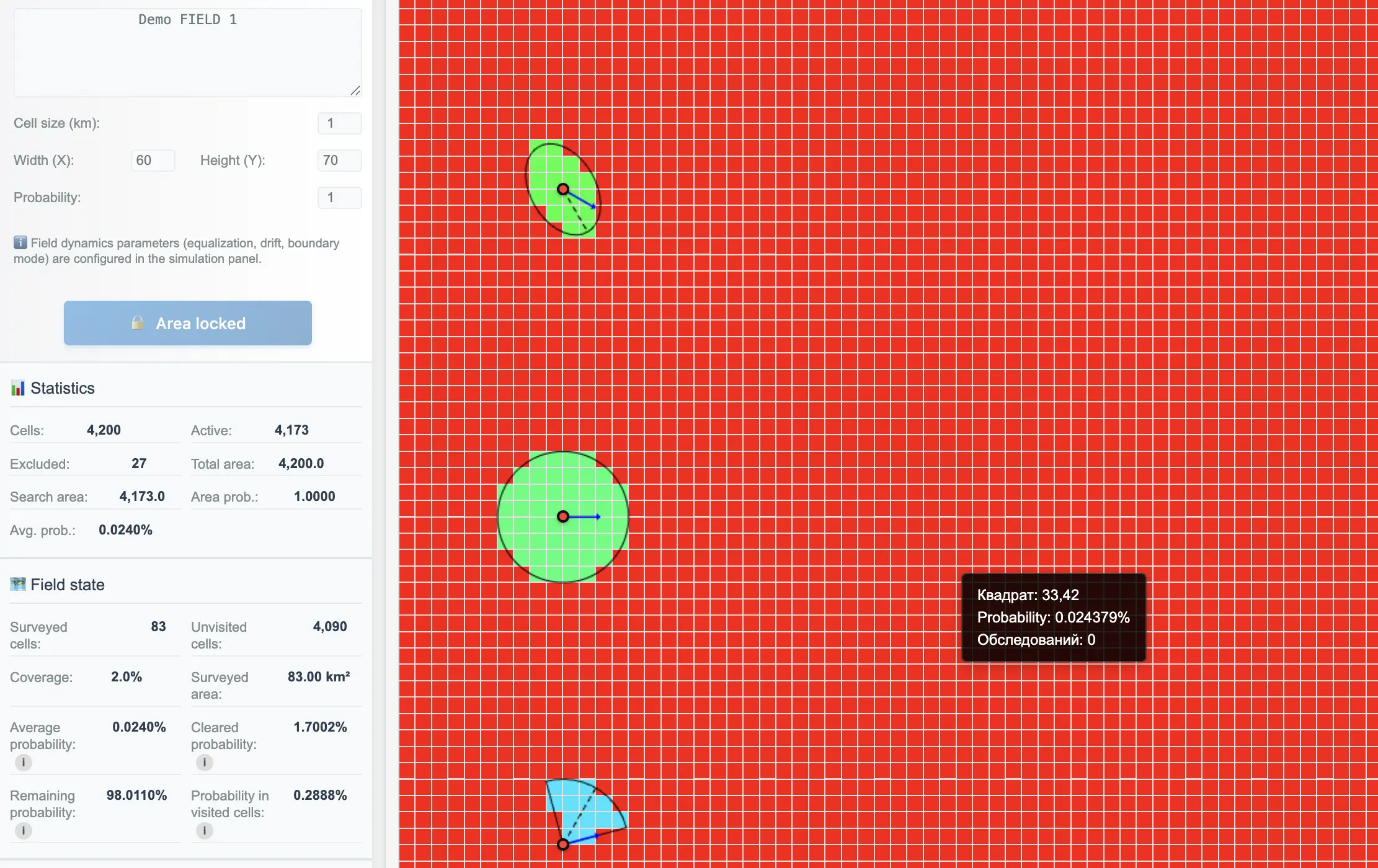
Roadmap
Development directions
- Improved drift and probability field dynamics models.
- Extended scenario analytics.
- Report export.
- Expanded documentation.
- Team collaboration.
- Intelligent decision-support tools.
Closed beta